


 Updates
 Jun 22, 2026
Photo Background Checks in 2026: what you need to know
Author: Julia Mykhailiuk
'/%3e%3cdefs%3e%3clinearGradient%20id='paint0_linear_922_28039'%20x1='3.50477e-05'%20y1='9.06665'%20x2='1497.61'%20y2='1154.15'%20gradientUnits='userSpaceOnUse'%3e%3cstop%20stop-color='%23B7FF91'/%3e%3cstop%20offset='0.35'%20stop-color='%23B7FF91'%20stop-opacity='0'/%3e%3cstop%20offset='0.417579'%20stop-color='%23B7FF91'%20stop-opacity='0'/%3e%3c/linearGradient%3e%3c/defs%3e%3c/svg%3e)
'%3e%3cpath%20d='M15%200.015625C15.009%208.29226%2021.7213%2014.999%2030%2014.999C21.7248%2014.999%2015.0148%2021.7%2015%2029.9717C14.9852%2021.7%208.27516%2014.999%200%2014.999C8.27874%2014.999%2014.991%208.29226%2015%200.015625Z'%20fill='%23A5DCFF'/%3e%3c/g%3e%3cg%20clip-path='url(%23clip1_961_20831)'%3e%3cpath%20d='M45%206.00781C45.0053%2010.9739%2049.0327%2014.998%2054%2014.998C49.0301%2014.998%2045.0011%2019.0264%2045%2023.9961C44.9989%2019.0264%2040.9699%2014.998%2036%2014.998C40.9673%2014.998%2044.9947%2010.9739%2045%206.00781Z'%20fill='%23D1DFFF'/%3e%3c/g%3e%3cg%20clip-path='url(%23clip2_961_20831)'%3e%3cpath%20d='M64.2002%2010.8037C64.2023%2013.049%2065.9658%2014.8817%2068.1836%2014.9941L68.3994%2015C66.0856%2015.0002%2064.2093%2016.8709%2064.2002%2019.1826C64.1914%2016.9432%2062.4295%2015.117%2060.2158%2015.0049L60%2015C62.3181%2014.9999%2064.198%2013.1214%2064.2002%2010.8037Z'%20fill='%23D1DFFF'/%3e%3c/g%3e%3cdefs%3e%3cclipPath%20id='clip0_961_20831'%3e%3crect%20width='30'%20height='30'%20fill='white'/%3e%3c/clipPath%3e%3cclipPath%20id='clip1_961_20831'%3e%3crect%20width='18'%20height='18'%20fill='white'%20transform='translate(36%206)'/%3e%3c/clipPath%3e%3cclipPath%20id='clip2_961_20831'%3e%3crect%20width='8.4'%20height='8.4'%20fill='white'%20transform='translate(60%2010.8008)'/%3e%3c/clipPath%3e%3c/defs%3e%3c/svg%3e)
What is a background check?
A background check is a process used to verify information about a person. It can include such steps:
- identity check
- employment history
- education
- criminal records
- online presence
- publicly available information.
Background checks are commonly used by employers, landlords, businesses, and individuals to evaluate trustworthiness and reduce potential risks.
Fraud prevention with identity verification: Protect your business online
What is a photo background check?
A photo background check is similar to a traditional background check, but it uses an image as the starting point of the search. This can make the verification process more effective, especially when you have limited information about a person.
For example, there may be multiple people with the same name and surname, making it difficult to check the right individual. By using a photo and face search engine, you have a much higher chance of finding and confirming information about that specific person.
However, a photo background check is only effective when the tool uses its own facial recognition engine and searches for exact face matches rather than just visually similar photos. Only then can you be more confident that the information found actually relates to the person you are investigating.
A photo background check can also reveal online profiles, published images, and other publicly available information that may not be easy to find through a regular search.
How to perform a photo background check?
Everything depends on the photo background check tool or solution you choose. However, in most cases, all you need to get started is an image. Here are a few tips to help you get better results:
- use a clear image where the face is clearly visible.
- the person should not be wearing glasses, and their eyes should be open.
- use a high-resolution image whenever possible.
- avoid screenshots or images that contain collages of multiple photos.
- try searching with different images of the same person, as this may reveal additional results.
By following these tips, you increase the chances to receive only highly relevant results and uncover more useful information.
Once you perform a search, it is time to analyze the data. Make sure to carefully review every URL, article, forum, or website where information about the person appears. It is always a good idea to double-check the:
- publication date
- context in which the person is mentioned
- overall credibility of the website
- author of the publication (and contact them if possible)
Taking the time to verify the information can help you avoid false conclusions and build a more accurate picture of the person's background.
Now, let's take a look at what you can do with different photo background check tools.
Best photo background check tools in 2026
There is an endless list of photo background check tools available online, so it is better not to waste time on scammy ones and instead use the best options:
1. Pixalytica.com - the best photo background check tool
Pixalytica is not just a facial recognition tool, it provides full background check reports based on facial search.
Once you upload an image of a person to Pixalytica, you will receive a detailed report that includes name and surname verification, a brief background summary, identified risk factors, any suspicious associations, and, of course, a complete list of face matches along with the URLs where the images were originally published.
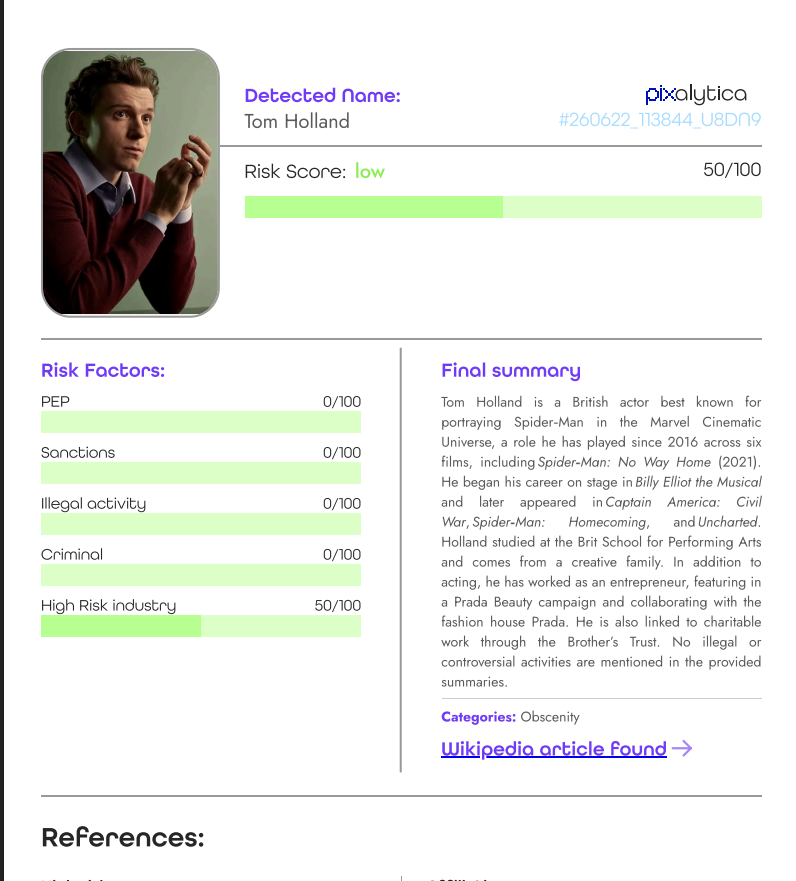
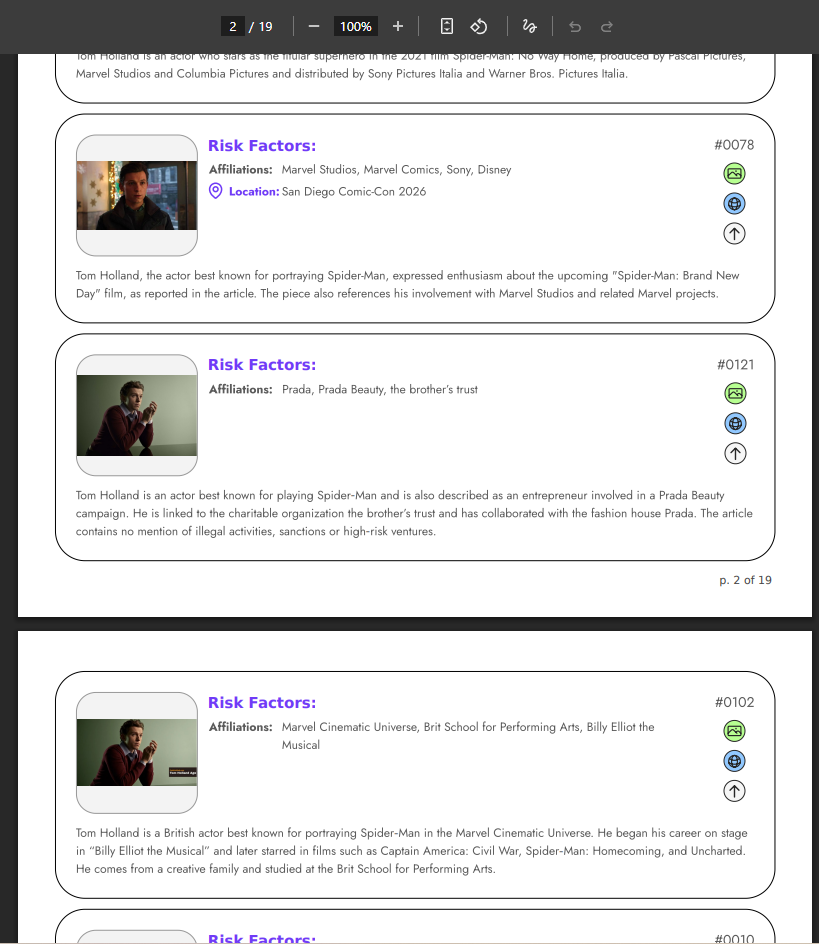
You will receive a full report in less than 20 seconds after uploading an image. You can use it through the user dashboard or via API integration.
2. Lenso.ai
Lenso.ai is another photo background check tool that can help you find more information based on a single photo.
Once you upload an image to lenso, check the "People" category for exact face matches and "Duplicates" for exact copies of the image. There, you can find images along with the URLs where they were originally published.
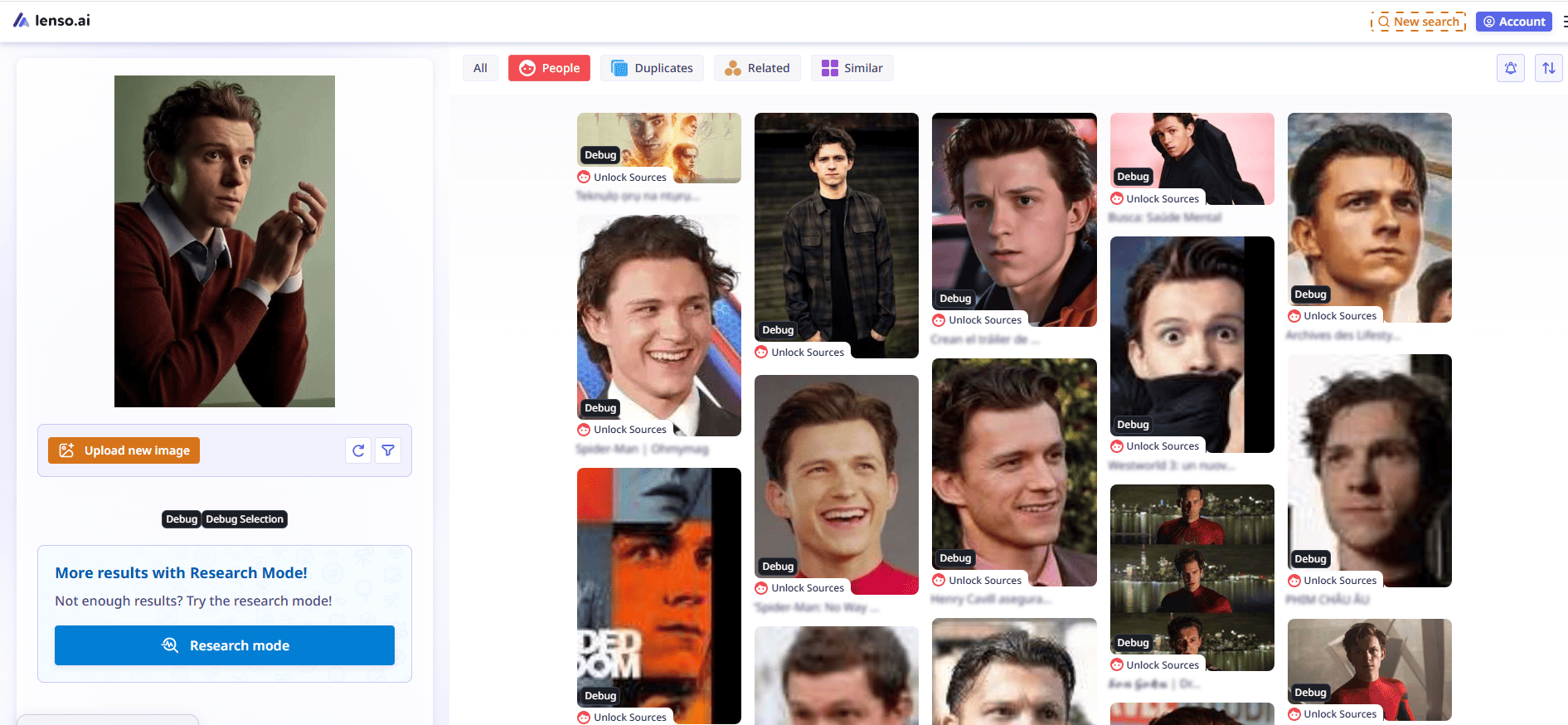
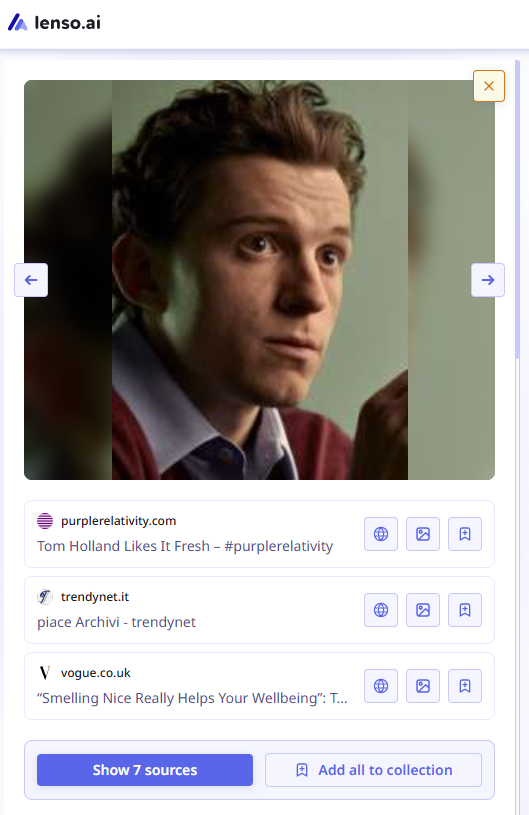
Moreover, you can set up an alert and get notified whenever new results appear online. With Research Mode, you can perform a deeper search within advanced filters and discover even more image search results.
Lenso.ai is available for regular users through its website and for businesses through API integration.
3. Pimeyes
PimEyes is a well-known face search tool. It can be used as an alternative to lenso.ai, although it currently offers fewer features and may sometimes return fewer results. Nevertheless, it remains one of the most popular facial search engines available.
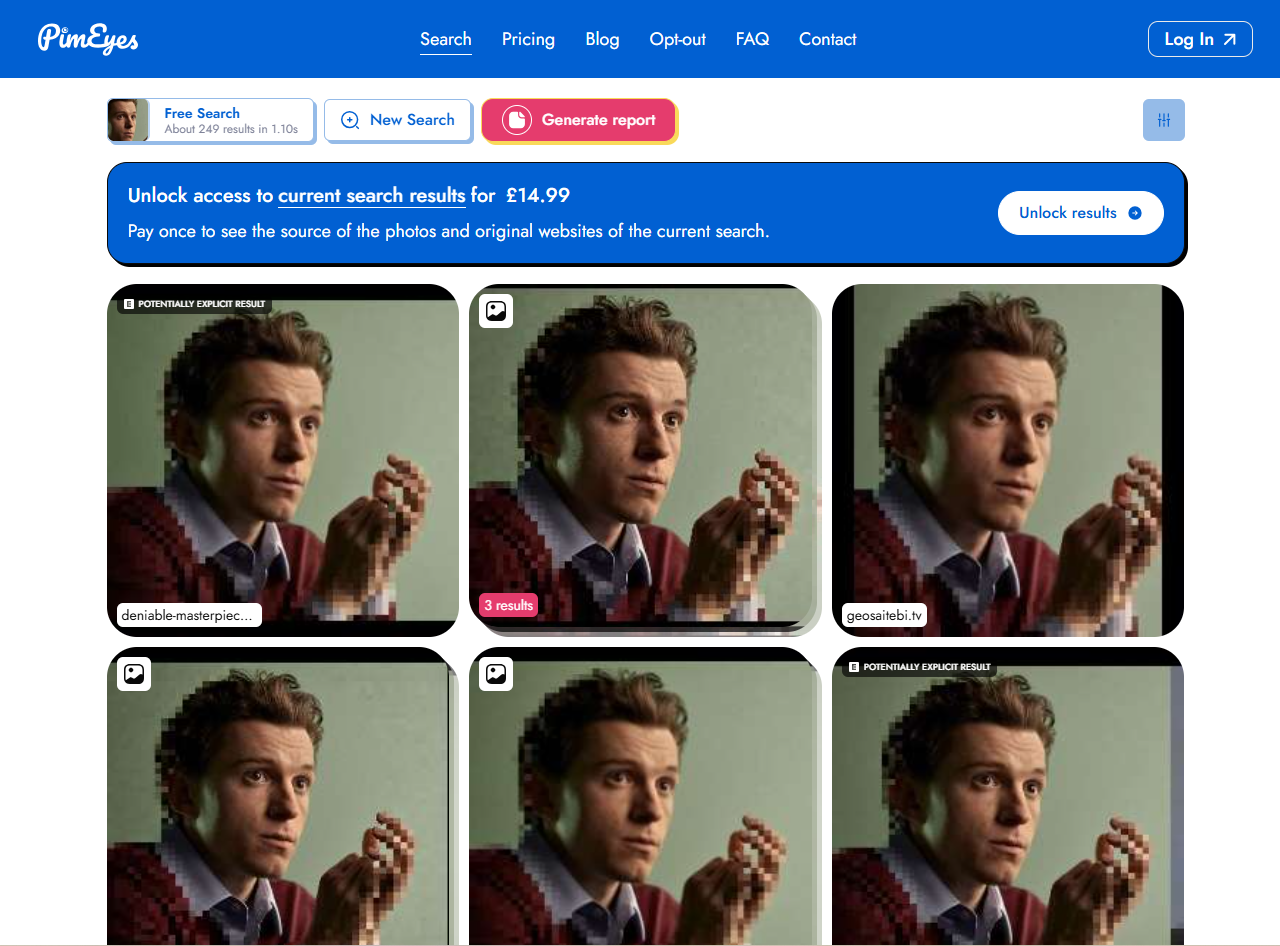
After uploading an image, you will receive exact face matches related to the photo. You can also group results, create alerts, and monitor new matches over time.
PimEyes does not currently offer API integration.
4. Eyematch.ai
Eyematch.ai is a relatively new facial recognition tool. It does not offer many additional features, but it performs effective face searches and can help you find matches online.
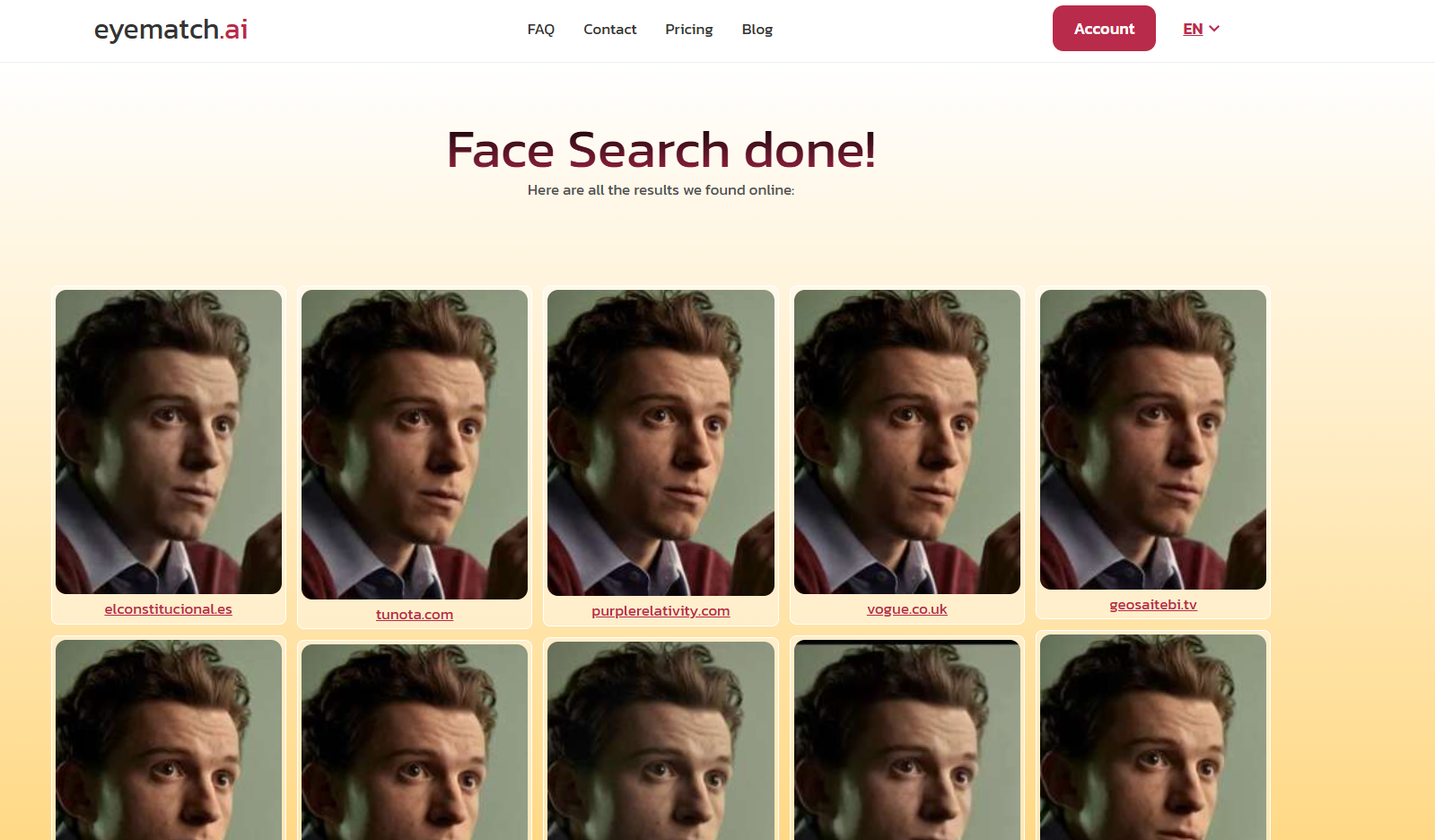
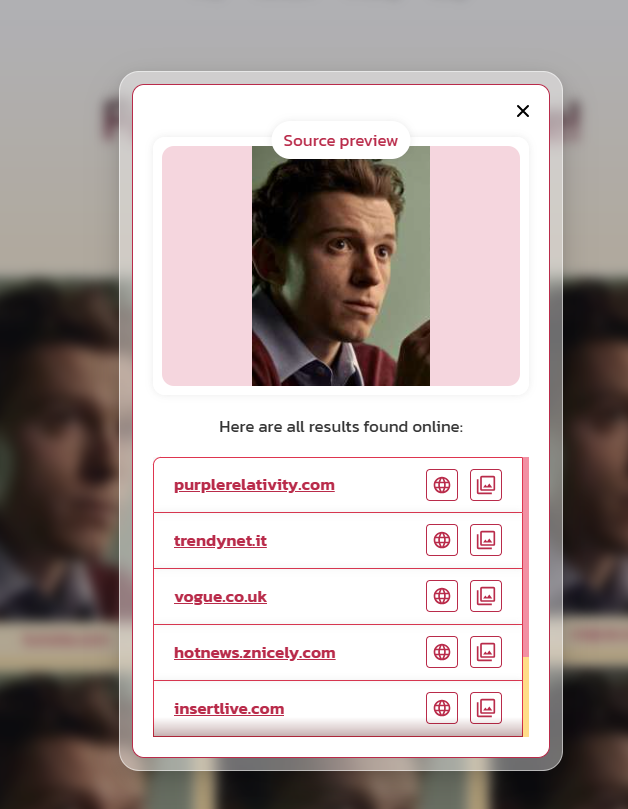
One useful feature is face selection. You can upload a group photo and choose which person you want to search for, making it easier to find results for a specific face.
Eyematch.ai is available through its website only and does not currently offer API integration.
If you aim to find a general background check solution: Best Background Check Tools of 2026
Background check red flags: what to look for
Whenever you decide to run a proper photo background check, it is better to pay attention to common red flags that may indicate that the person you are verifying has something to hide or has simply decided to lie to you:
- stolen profile photos
- the depicted name or surname belongs to another person
- AI-generated faces
- missing basic personal information
- mismatch between the provided information and the information found online
- images appearing under multiple identities
- images appearing on forums or websites with fraud or catfish warnings
- manipulated or heavily edited photos
Also, we recommend verifying a person using different tools available online. You can also do a manual search, as this will give you a bigger picture of the person's background. All of that will help you confirm whether the information you found is actually correct and appears across multiple sources.